Technique · 5 min read · December 20, 2025
How to Photograph Ice & Snow Without Grey, Muddy Whites
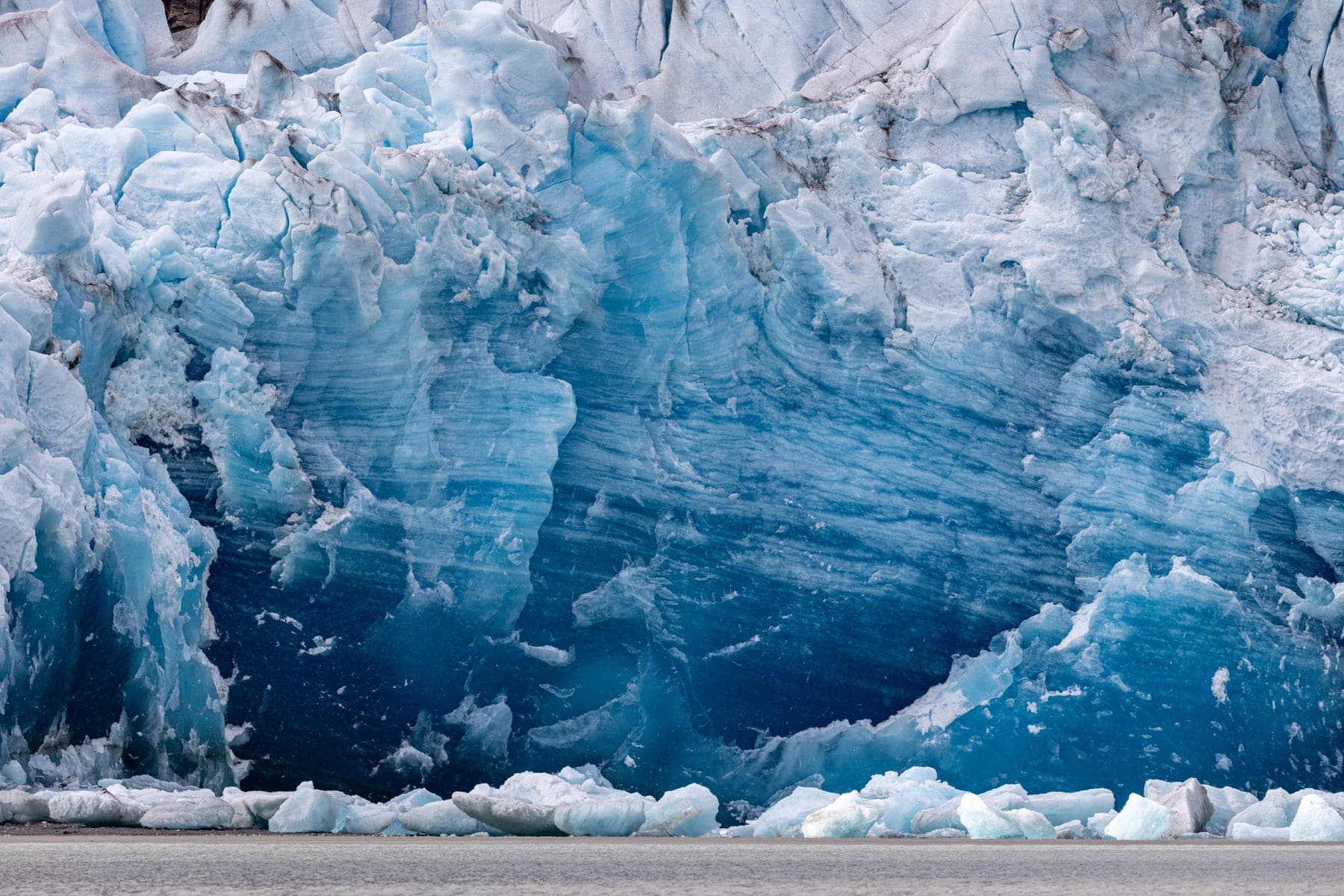
If your snow comes out grey and muddy, it's because your camera's light meter assumes the world averages to middle grey and underexposes bright scenes. The fix is to add exposure, typically +1 to +2 stops, so the snow renders white. Here's the full explanation and method.
In this guide
Why snow turns grey
Your camera's meter doesn't know it's looking at snow. It's built to expose any scene as if it averages to a neutral middle grey, which works for most subjects. But a field of bright snow is far brighter than middle grey, so the camera 'corrects' by darkening it, and your beautiful white scene comes back dull and grey.
The fix: add exposure
Tell the camera you know better. Dial in positive exposure compensation (start at +1 stop, go to +2 for a scene that's almost all snow) or in manual mode simply set a brighter exposure. The snow brightens to white, and the rest of the scene comes up with it. It feels counterintuitive to 'overexpose,' but you're really just undoing the meter's mistake.
Use the histogram, not your eyes
On a bright winter day the screen is hard to judge, so trust the histogram. For a snowy scene, the data should sit well to the right, with the brightest snow approaching the right edge but not slammed against it. If a highlight-clipping warning blinks over textured snow, ease back slightly. Keep important texture out of pure white.
Mind the color and the cold
Snow in shade or under a blue sky picks up a cold blue cast. Shoot RAW and correct white balance later, or warm it in-camera, depending on the mood you want; a touch of blue can be lovely at blue hour. And protect your gear and batteries from the cold: keep spares warm, and let your camera acclimate slowly when you come back indoors to avoid condensation.
Common questions
- Why does snow look grey in my photos?
- Because the camera's light meter assumes scenes average to middle grey and underexposes bright snow. Add positive exposure compensation (about +1 to +2 stops) so the snow renders white.
- How much exposure compensation for snow?
- Start at +1 stop and go to about +2 for a scene that's almost entirely snow, checking the histogram so the bright snow sits near the right edge without clipping the texture.
Want to photograph these places with me?
I teach privately and lead small-group photography journeys to the locations in these guides.
Learning & journeys